Notes and reminders that stay with the equipment
An add-on for AVEVA Application Server and InTouch OMI that stores logbook entries, observations and reminders, in the context of the Application Server object model.
"What does the person on call next week need to know to continue what I started this week?"
That is the question Process Logbook is built to answer.
It is the electronic replacement for the paper operational logbook, but the real goal is not just recordkeeping, it is continuity of knowledge across your team. It does not compete with your CMMS. It adds context to the data your CMMS holds.
Two kinds of entries
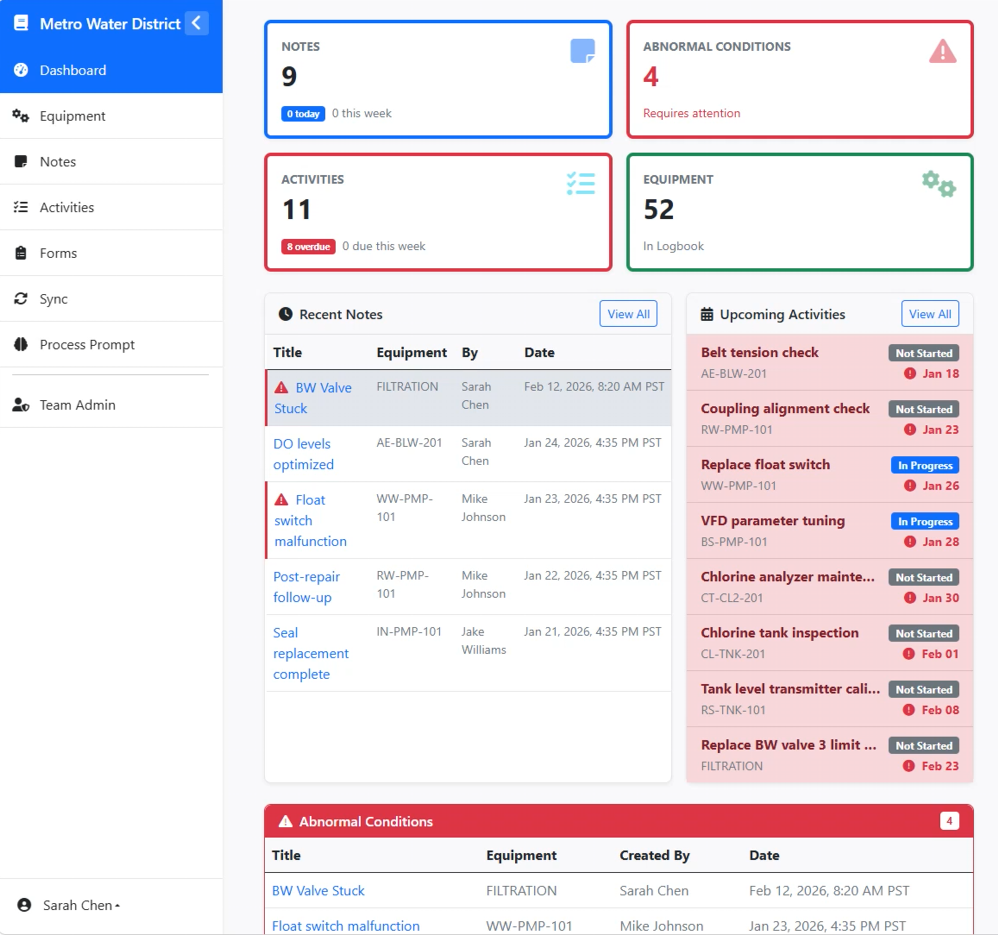
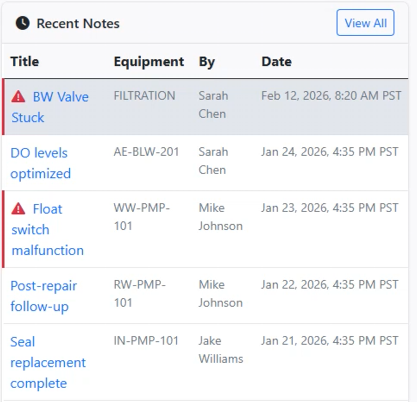
Notes are observations about the present or past: equipment conditions, a special event, anything worth recording. Pull up your phone and add a note, or just speak it. Teammates see your notes and can comment on them, so the logbook becomes a conversation, not a filing cabinet.
Activities are reminders looking forward: something to do or check, one-time or recurring. Capture, or speak, the mental note while you are still standing at the machine.
Not a flat list
These entries are not a flat list. Every note and activity lives in the context of your AVEVA and Wonderware SCADA or MES object model. Log a note on PUMP-101 and it is right there on PUMP-101, and it rolls up to the area PUMP-101 belongs to. The asset hierarchy you already know from your SCADA or MES application is the index.
Everywhere you work, online or not
Everything stays in sync across all three places you work: your SCADA or MES application, a desktop browser on the business network, and your mobile device in the field. Enter it in one, it shows up in the other two.
And it works offline. Deep in the plant, down a manhole, no signal. Add your notes and activities anyway. They synchronize the moment you are back online.
If it is worth noticing, it is worth logging.
Have a look at Process Logbook, and get in touch for an invite code and we will set you up. Questions or feedback welcome too.